

Job costing, quoting and scheduling
Quote it. Win it. Schedule it. Get it done. Know what you made.
From true job cost to quote, follow-up, scheduling and actual profit. BuzzBrain Time Boost keeps the whole job moving in one place.
Free during private beta testing
Standard price A$97 + GST/month
Founding offer: free during private beta testing, one month free at launch, then 25% off for as long as you stay subscribed.
Private beta · iPhone + iPad · Android coming
- What it is
- A job costing and quoting app that works out the true cost of each job before you price it, then keeps the job moving.
- Who it's for
- Trades and service businesses that price individual jobs.
- What it costs
- Free during private beta testing. Standard price A$97 + GST/month, with a founding offer for beta testers.
- How to start
- Apply for private beta testing. It currently works on iPhone and iPad, with Android coming. We review applications and get you set up.
The problem
Small costs. Big difference.
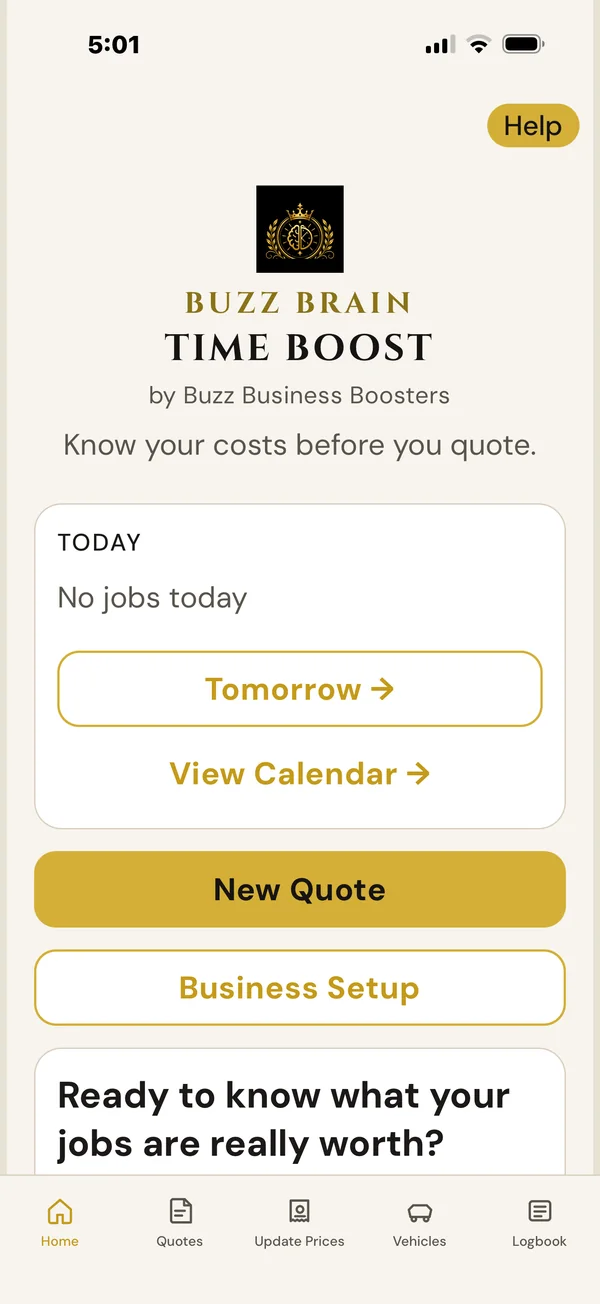
Labour. Travel. Fuel. Machinery. Materials. Supplier increases. Setup time. Margin. Miss one often enough and it adds up. BuzzBrain Time Boost keeps the real costs of the job in front of you before you price it.
Miss one and the job pays less. BuzzBrain Time Boost keeps every cost in front of you before you price it.
Check what underquoting could be costing you →
Use your own numbers. See what small missed costs can add up to across your jobs.
The workflow
One workflow. From cost to profit.
Every stage of the job in one place, so nothing lives only in your head.
- Set upYour real costs, once.
- CostThe true cost of the job.
- QuoteA price that covers it.
- Follow upReminders. You choose.
- ScheduleWith Google Calendar.
- CompleteMark the job done.
- ActualsWhat it really cost.
- ProfitWhat you actually made.
Do the job once. Don't enter it twice.
Accounting connections are on the Roadmap, with platforms such as Xero and QuickBooks being explored. The aim is to reduce duplicate entry between the job and the books. No date set.
- Enquiry
- Quote
- Job
- Schedule
- Actuals
- Invoice
- Accounting
Now: enquiry to actual profitOn the Roadmap: invoice and accounting
Set up once
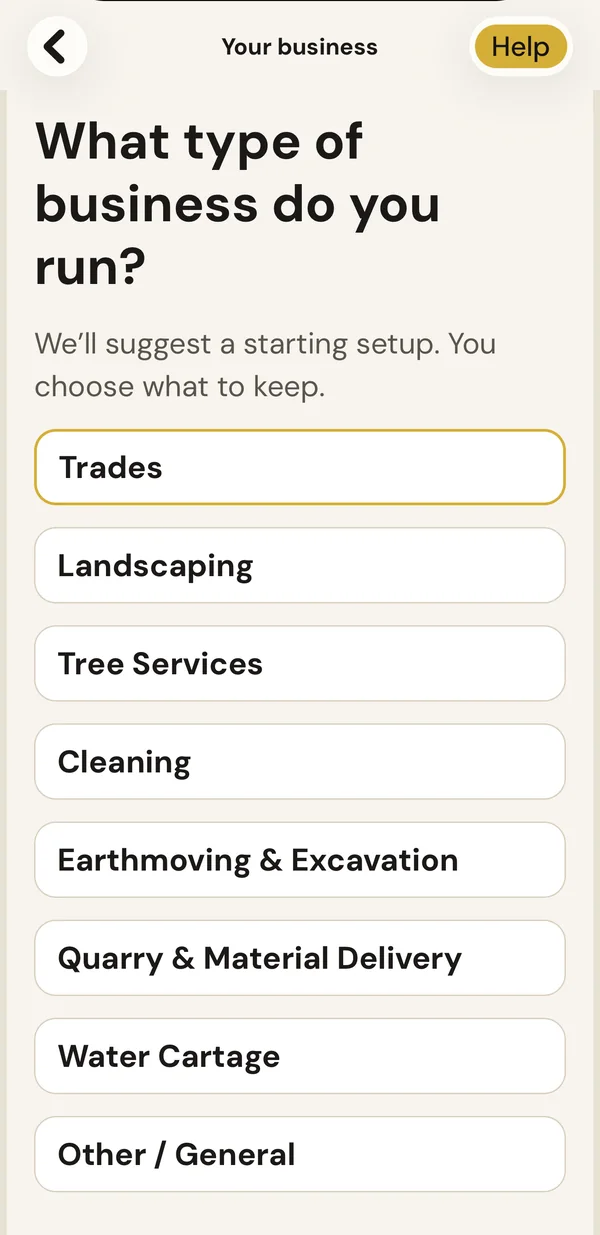
Set up your costs once. Use them on every job.
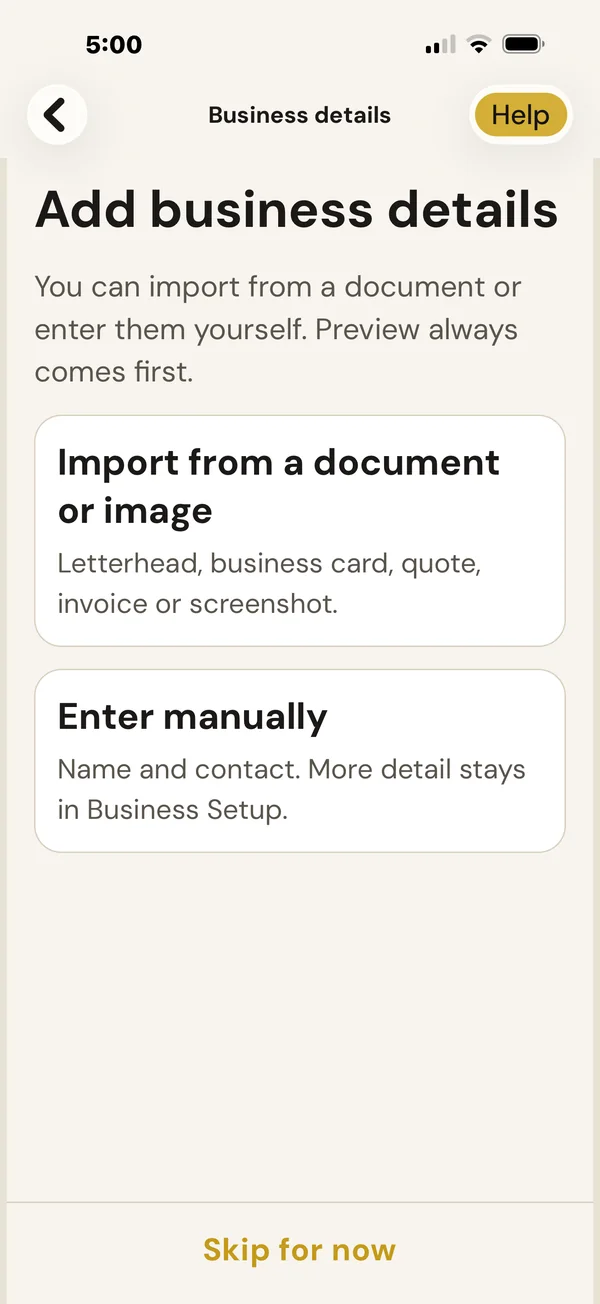
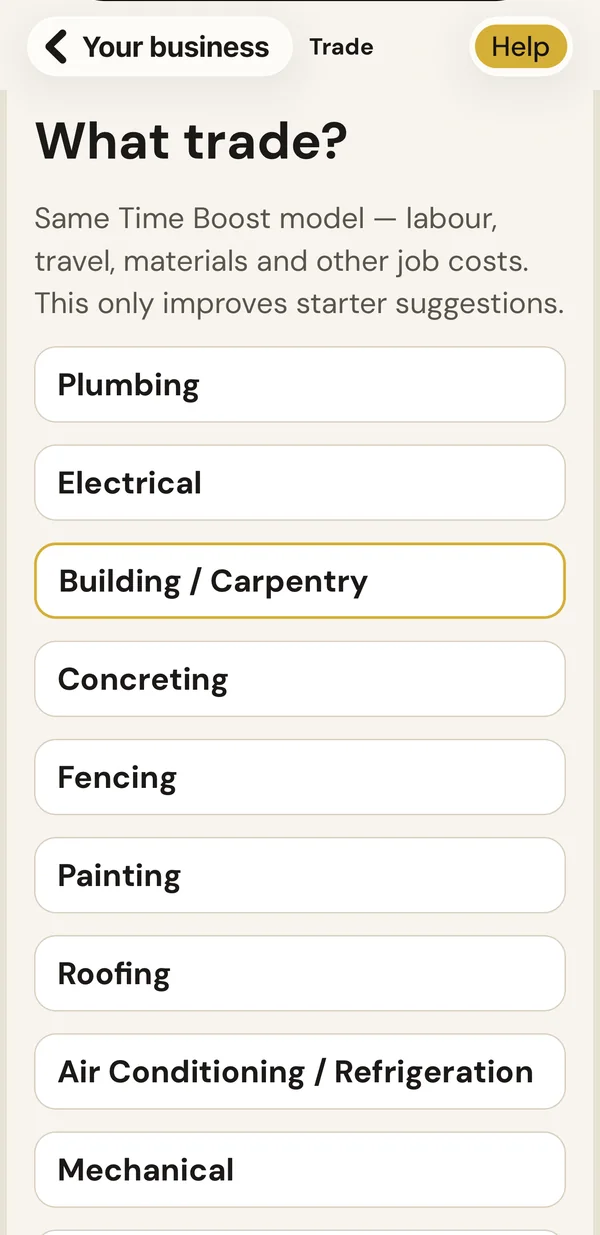
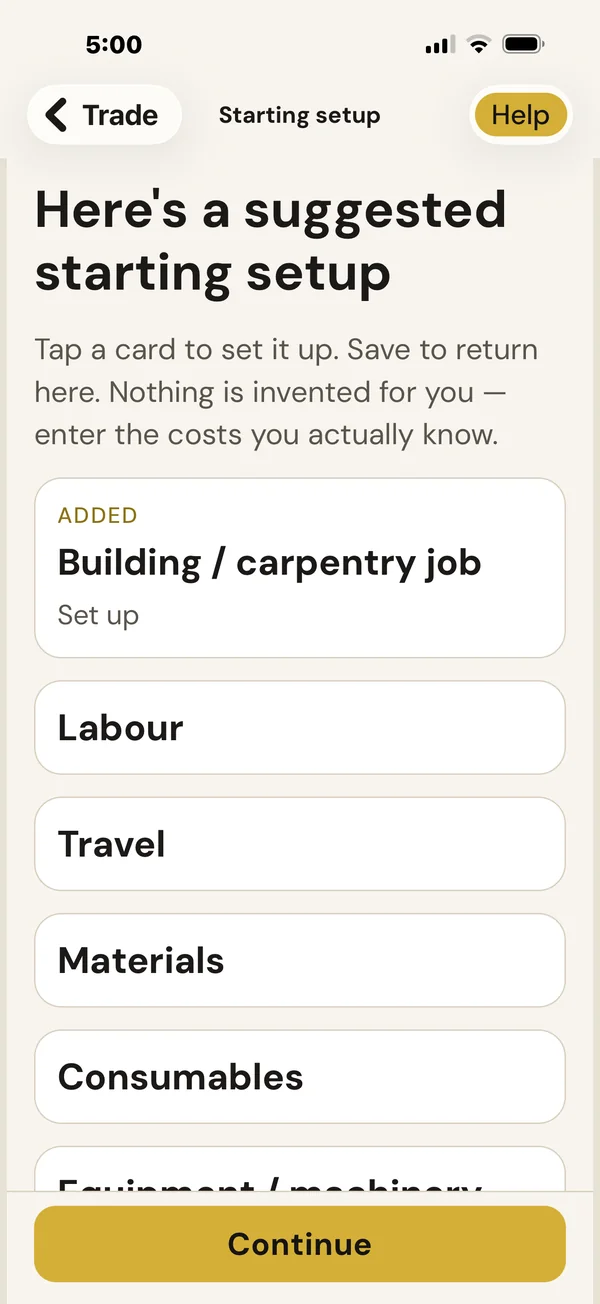
Labour, vehicles, machinery, products and materials, locations, job types, margin and tax. Tell BuzzBrain Time Boost your type of business and trade, and it suggests a starting setup. You choose what to keep. You can import your business details from a letterhead, business card, quote, invoice or screenshot, and you see a preview before anything is saved.
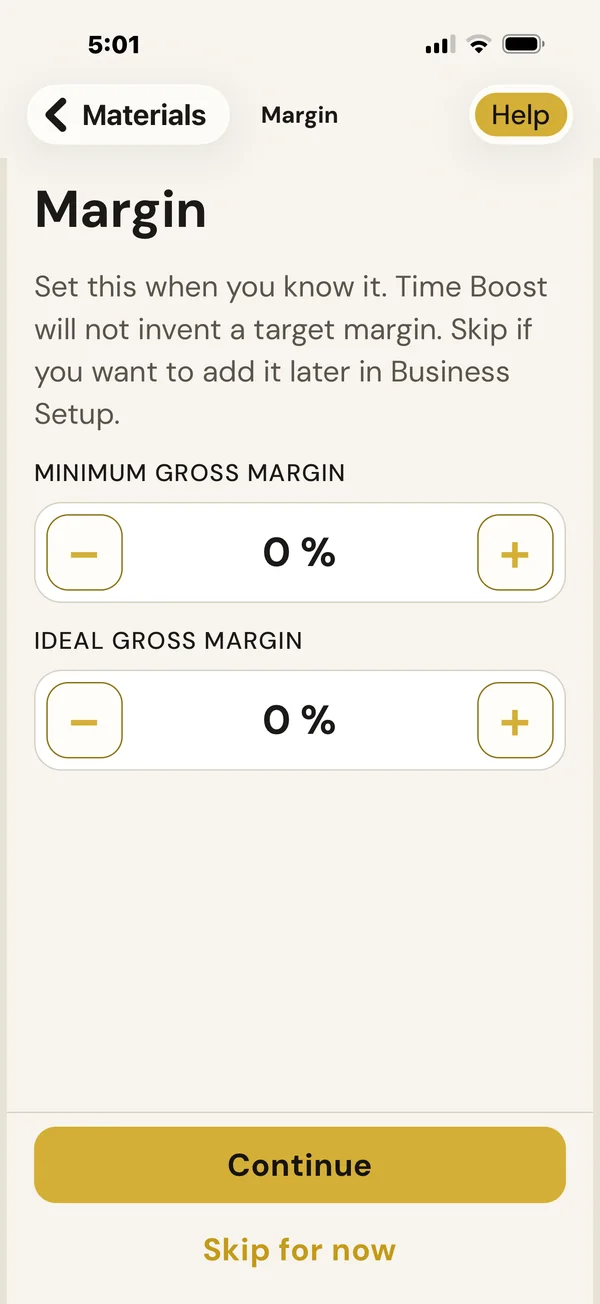
Nothing is invented for you. You confirm the costs used by your business.
Follow the guided setup in the app. Choose your type of work, review the suggested starting setup, then add your actual costs and margin when you know them.
Want a hand? We can help you get your starting information into BuzzBrain Time Boost and walk through the setup with you. Ask us when you apply for beta testing.
Quote
See the true cost. Then price it.
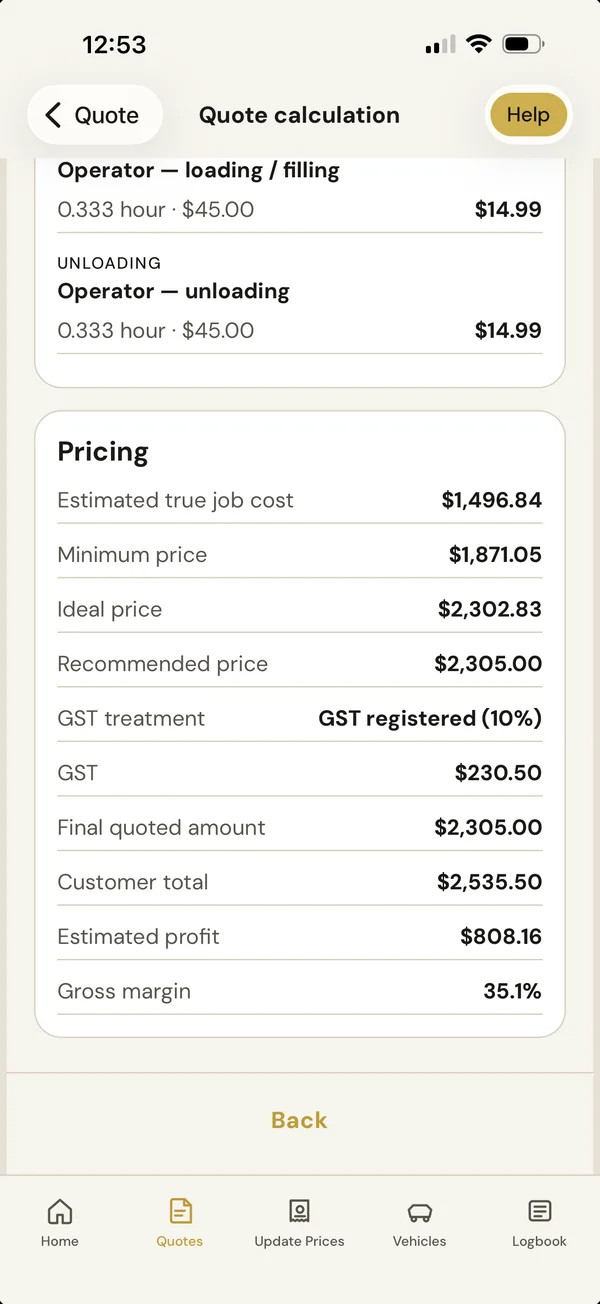
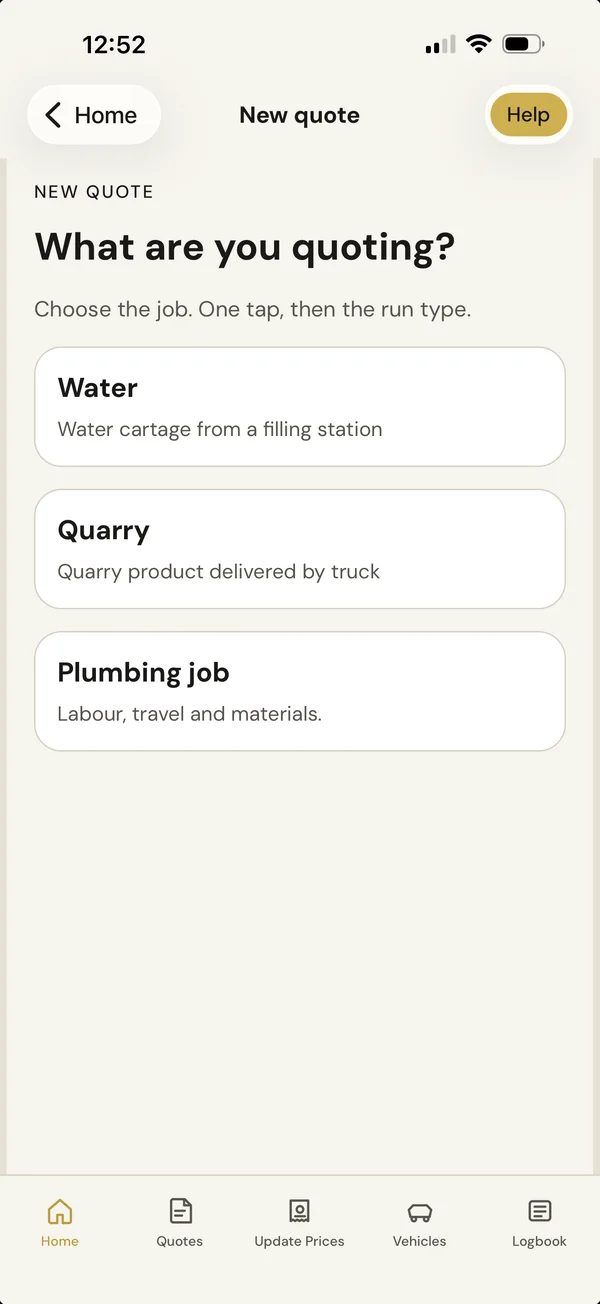
Pick the job type and BuzzBrain Time Boost walks you through it: travel and kilometres, machinery, materials and anything specific to the job. You see the true cost, a minimum, ideal and recommended price, GST, estimated profit and gross margin. Save the quote and share it with your customer.
We do the maths. You make the decision.
Ready to price your next job with the real costs in front of you?
Apply for beta testing →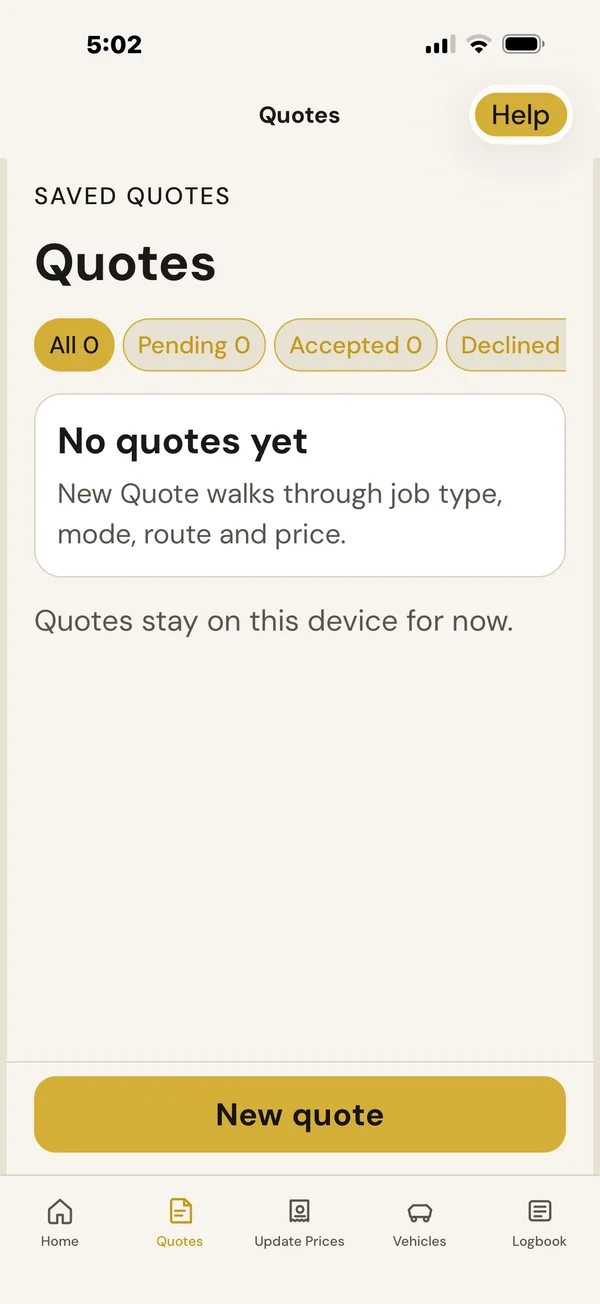
Follow up
Quotes that don't go quiet.
Every quote stays in one place, filtered by pending, accepted or declined. BuzzBrain Time Boost tells you when a follow-up is due. Then you decide what happens next.
36%of trade businesses surveyed ranked quoting, including quote follow-up, as their number-one most time-consuming task.Source: hipages / Thrive Insights, Australian trade-business research, February 2024. Survey of 400+ Australian trade-business decision-makers.
- Call
- Text
- Follow up later
- Mark accepted
- Not going ahead
BuzzBrain Time Boost never contacts your customer for you.
After the quote
Quote accepted. Now keep the job moving.
Schedule accepted work without retyping it, check the weather where the job is, mark it done and see what it actually made. Next time you're pricing with real numbers, not a hunch.
- AcceptedThe customer says yes.
- ScheduledInto the diary, with Google Calendar.
- Job doneMark it complete.
- Actual costsRecord what it really cost.
- Actual profitEstimated against actual, job by job.
Weather where the work is. Not just where you are.
See relevant weather information alongside scheduled work so you can plan outdoor jobs with conditions in mind. Forecasts can change, and BuzzBrain Time Boost doesn't cancel or reschedule anything for you. You make the call.
Weather for the job site, not your yard
Your call: go ahead, move it or check again later
Costs that change
Keep your prices up to date.
Snap a supplier invoice and review each line. Your updated costs flow into future quotes. Record vehicle expenses and keep a logbook in the same app.
- Supplier invoicePhoto or PDF.
- ScanBuzzBrain Time Boost reads each line.
- ReviewCheck every line.
- ApproveNothing saves until you confirm.
- Updated costUsed in your future quotes.
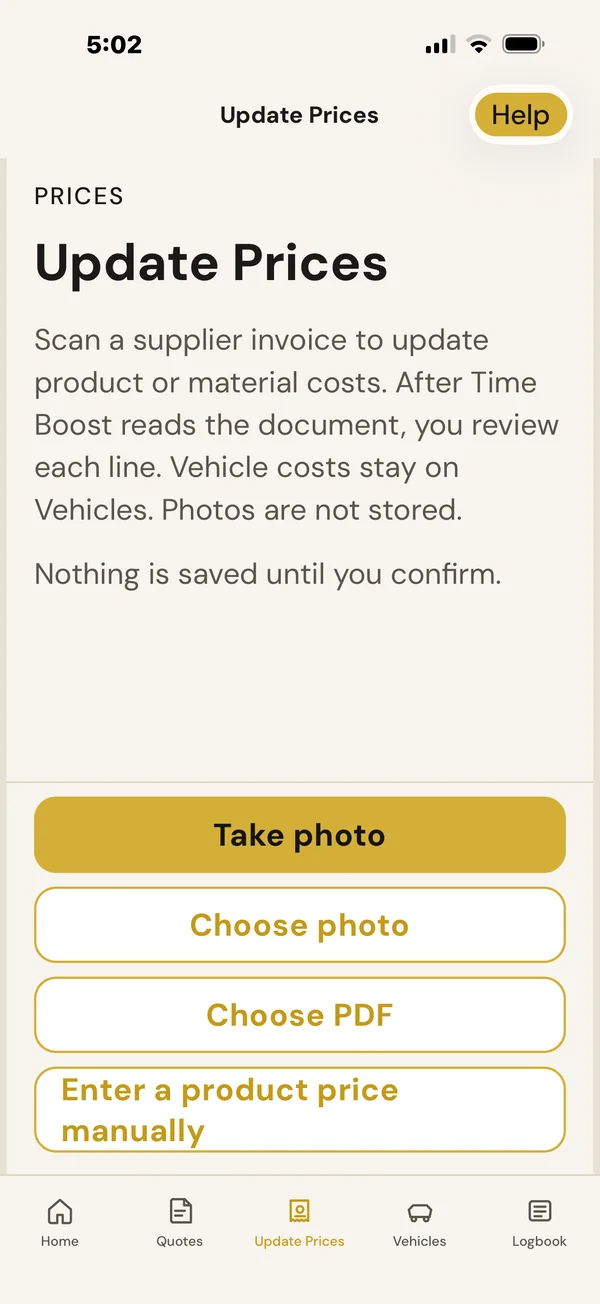
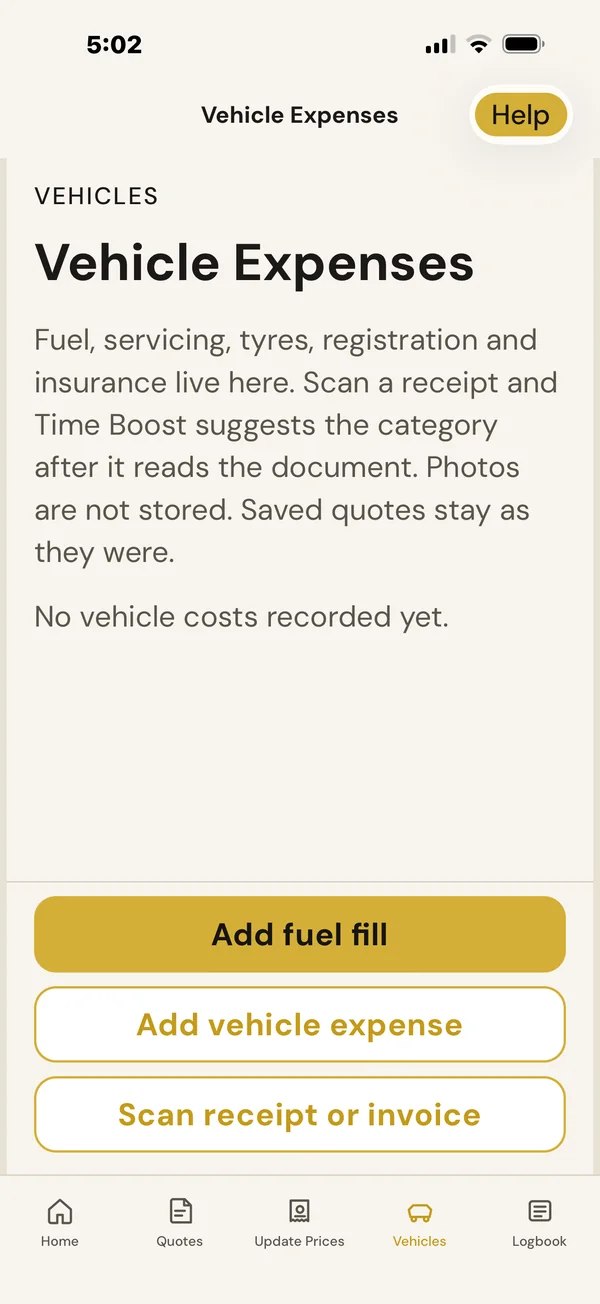
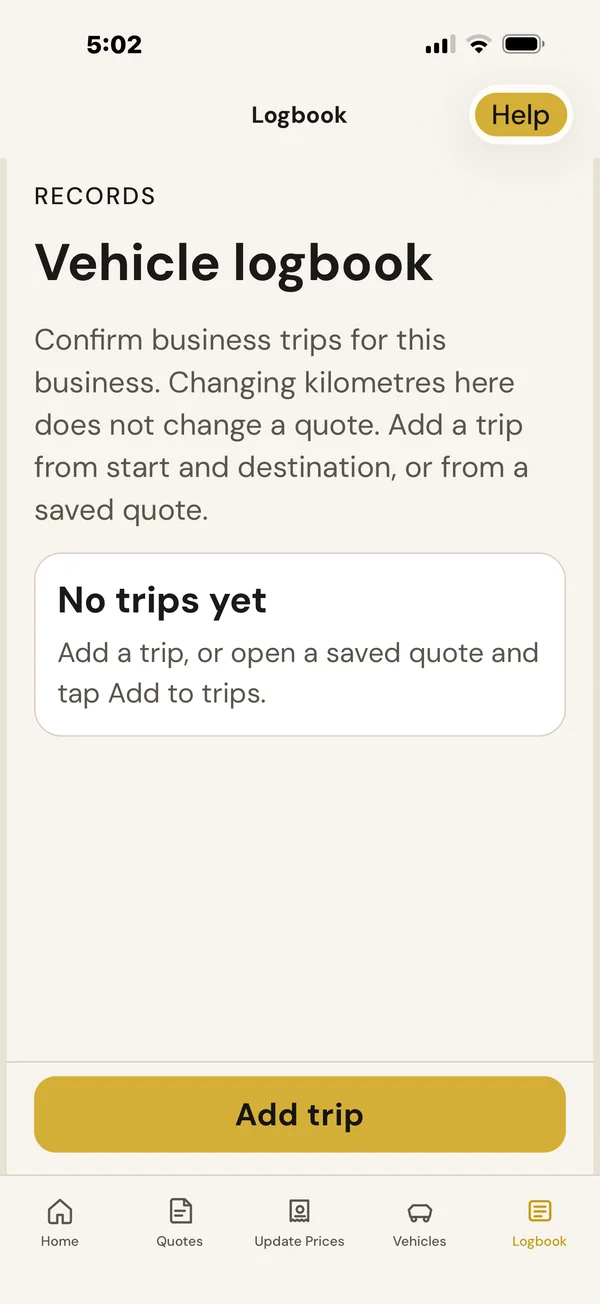
Changing kilometres in the logbook never changes a quote. You can also update prices yourself any time.
Who it's for
Built for businesses that price every job.
If you price individual jobs, BuzzBrain Time Boost is built for you. Not just trades.
- Plumbing
- Electrical
 Building & carpentry
- Concreting
- Fencing
- Painting
- Roofing
- Air conditioning & refrigeration
- Mechanical
 Landscaping
 Arboriculture & tree services
 Earthmoving, excavation & civil
- Rural contracting
 Cleaning
 Property & maintenance
- Quarry & material delivery
- Water cartage
- Other job-based service businesses
Pricing and founding offer
Free during private beta.
BuzzBrain Time Boost is being tested with a small group of Australian businesses before full launch. Beta testers help us improve it using real-world feedback.
Includes job costing, recommended pricing, quotes, follow-up reminders, scheduling with Google Calendar, weather where the work is, actual cost and profit per job, supplier invoice scanning, vehicle costs and a logbook.
 BuzzBrainTime Boost
Free during private beta
Accepted beta testers receive:
- Free access during private beta
- One month free when BuzzBrain Time Boost launches
- 25% off the standard subscription for as long as the subscription remains active
At today's standard price: A$72.75 + GST/month after the free launch month.
For accepted beta testers on iPhone and iPad. Places are limited. See the Terms & Conditions.
FAQ
BuzzBrain Time Boost questions. Answered.
Then record the actuals and see what it really made.
What does BuzzBrain Time Boost cost?
It's free during private beta testing. The standard price is A$97 + GST/month. Accepted beta testers get one month free at launch, then 25% off for as long as their subscription stays active. That's A$72.75 + GST/month at today's standard price.
What happens during private beta?
BuzzBrain Time Boost is being tested with a small group of Australian businesses before full launch. Accepted beta testers use it free in their real business and tell us what works and what doesn't. Features may change as we improve it. Places are limited, so not everyone who applies is accepted.
What devices does it work on?
Private beta testing currently works on iPhone and iPad. Android is coming but isn't available yet. If you only use Android, you can join the Android waitlist on the application form.
Can I use it if I'm not a tradie?
Yes, if you price individual jobs. That includes cleaning, landscaping, tree services, earthmoving, quarry and material delivery, water cartage and other job-based service businesses.
What does BuzzBrain Time Boost calculate?
It works out the estimated true cost of a job from your own rates for labour, travel, vehicles, machinery, materials and anything specific to the job. Then it shows a minimum, ideal and recommended price, GST, the final quoted amount, the customer total, estimated profit and gross margin.
Does it tell me what to charge?
It shows a minimum, ideal and recommended price based on your own costs and margin. You decide the final price.
Can I change my rates and costs later?
Yes. Update your rates and costs any time. You can also scan a supplier invoice to update material prices, and your updated costs are used in future quotes.
Can I record what a job actually cost?
Yes. Mark the job complete and record what it actually cost. BuzzBrain Time Boost compares it with the quote, so next time you're pricing with real numbers, not a hunch.
How does weather work?
BuzzBrain Time Boost shows relevant weather information alongside scheduled work, for where the job is, so you can plan with the conditions in mind. Forecasts can change, so treat it as a guide.
Can it automatically reschedule jobs?
No. BuzzBrain Time Boost doesn't cancel jobs, reschedule them or change bookings for you. You stay in control and decide what happens.
Does it contact my customers automatically?
No. BuzzBrain Time Boost tells you when a quote is due for a follow-up. You decide what happens: call, text, email, follow up later, mark it accepted, or mark it not going ahead.
Does it work with Google Calendar?
Yes. Connect Google Calendar and scheduled jobs sit alongside everything else in your calendar. It's optional.
Does it replace my accounting software?
No. BuzzBrain Time Boost handles costing, quoting, scheduling and job results. Keep using your accounting software.
Does it connect to Xero or QuickBooks?
Not yet. Accounting connections are on the Roadmap, and Xero and QuickBooks are potential platforms being explored. There's no date set.
Where is my business data stored?
In the current private beta, your BuzzBrain Time Boost workspace is mainly stored on your device. A secure cloud workspace is being developed so authorised users can use the same workspace across devices. Some features, such as maps, calendar and document scanning, send limited information to the services that power them.
Can BuzzBrain help me set it up?
Yes. We can help you get your starting information into BuzzBrain Time Boost and walk through the setup with you. Ask us when you apply for beta testing.
I'm using BuzzBrain Reception. Can they work together?
Yes. We can connect the workflow so enquiry details arrive in BuzzBrain Time Boost ready to cost and quote.
Want to try BuzzBrain Time Boost in your own business?
Apply for beta testing →